
Network Pulse
Know your network. Keep it running at its best.
Network Pulse keeps an eye on your bandwidth, Wi-Fi quality, and local network at a glance: real-time throughput, built-in speed tests, a live Wi-Fi radar, router health diagnostics, and AI-assisted device discovery, all native to macOS.
macOS: available now · iOS: available now
- Version 1.12.0
- Requires macOS 26 or later
- Apple silicon and Intel
- Developer ID signed and notarized for macOS
Built for your everyday
A closer look at what it can do.
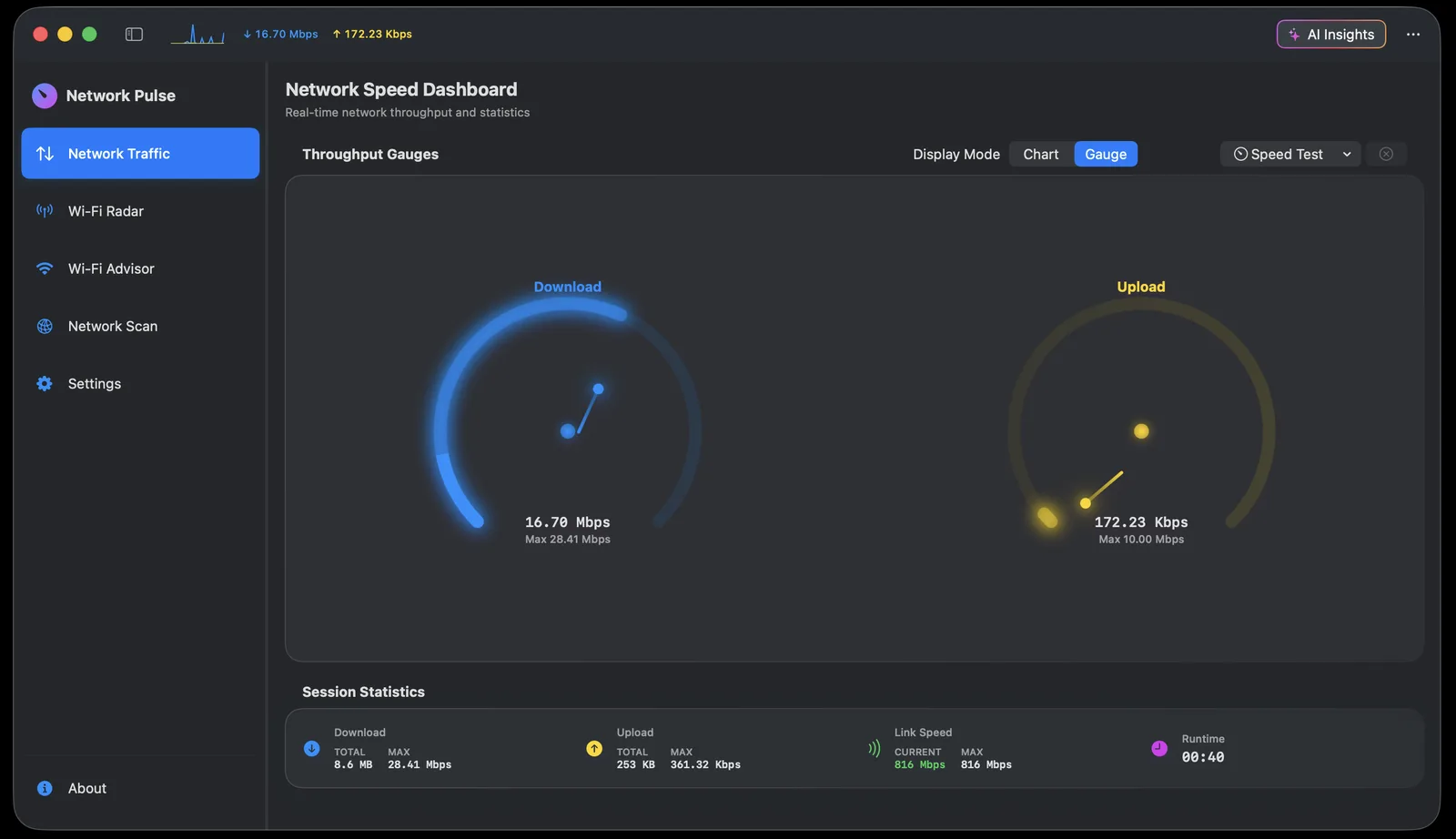
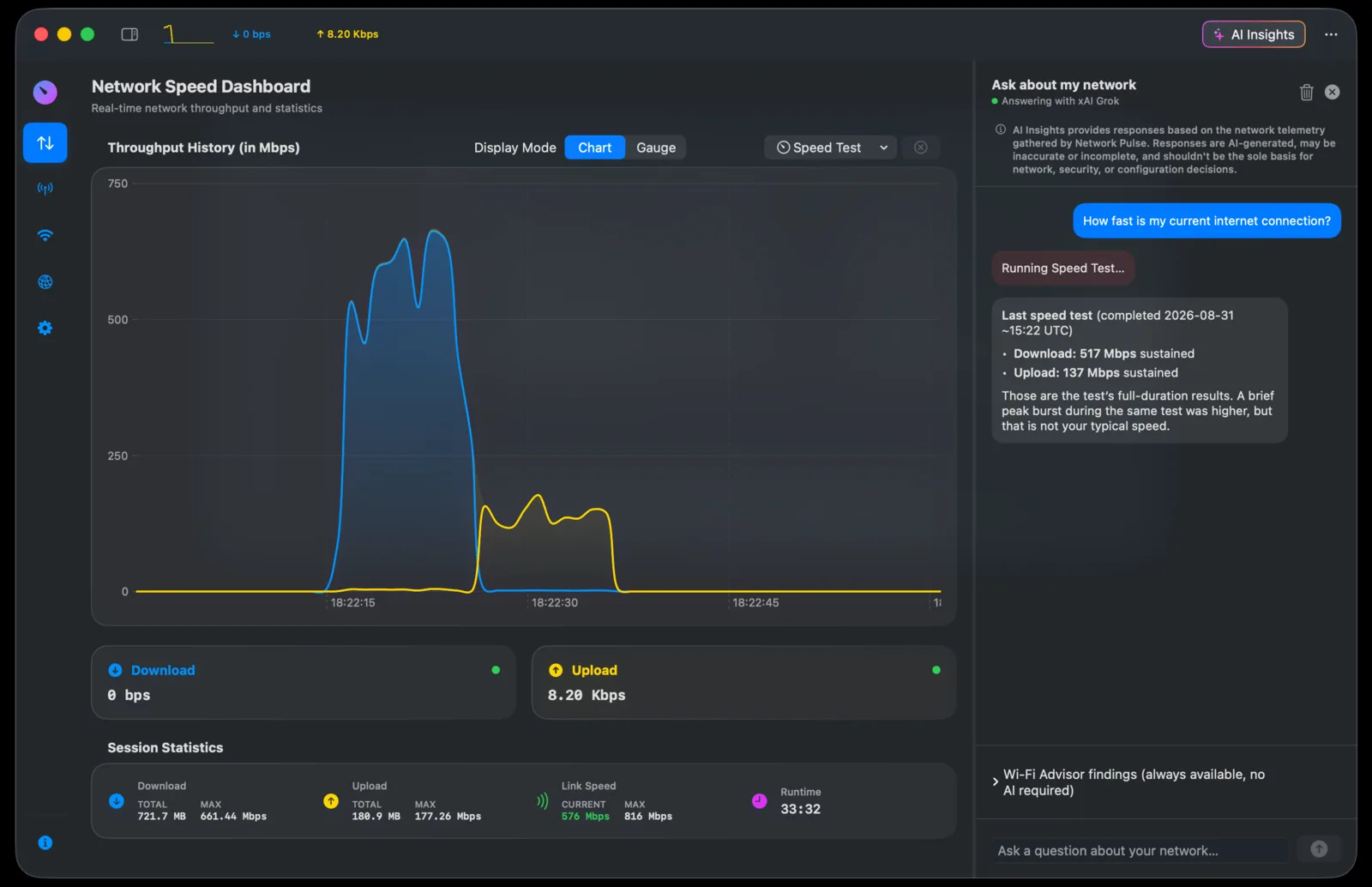
Real-time download/upload monitoring: scrolling chart, animated gauges, and menu-bar readouts
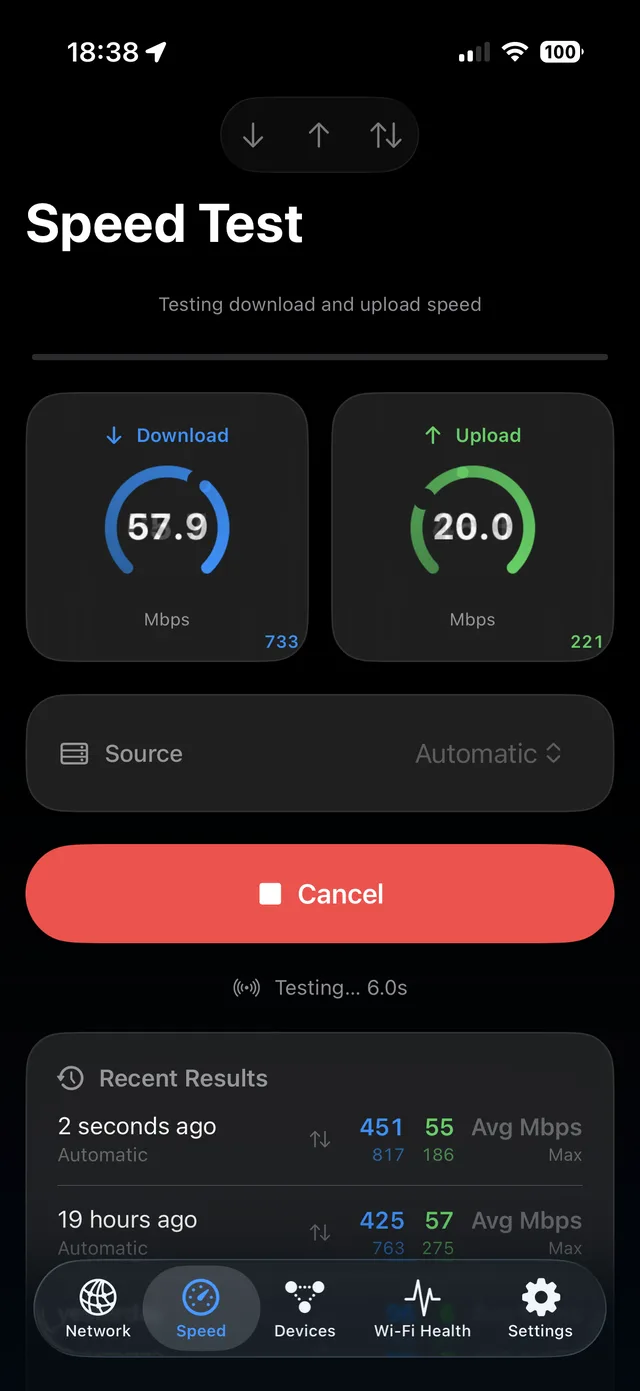
Built-in Internet speed tests (Cloudflare / Measurement Lab, with automatic fallback)
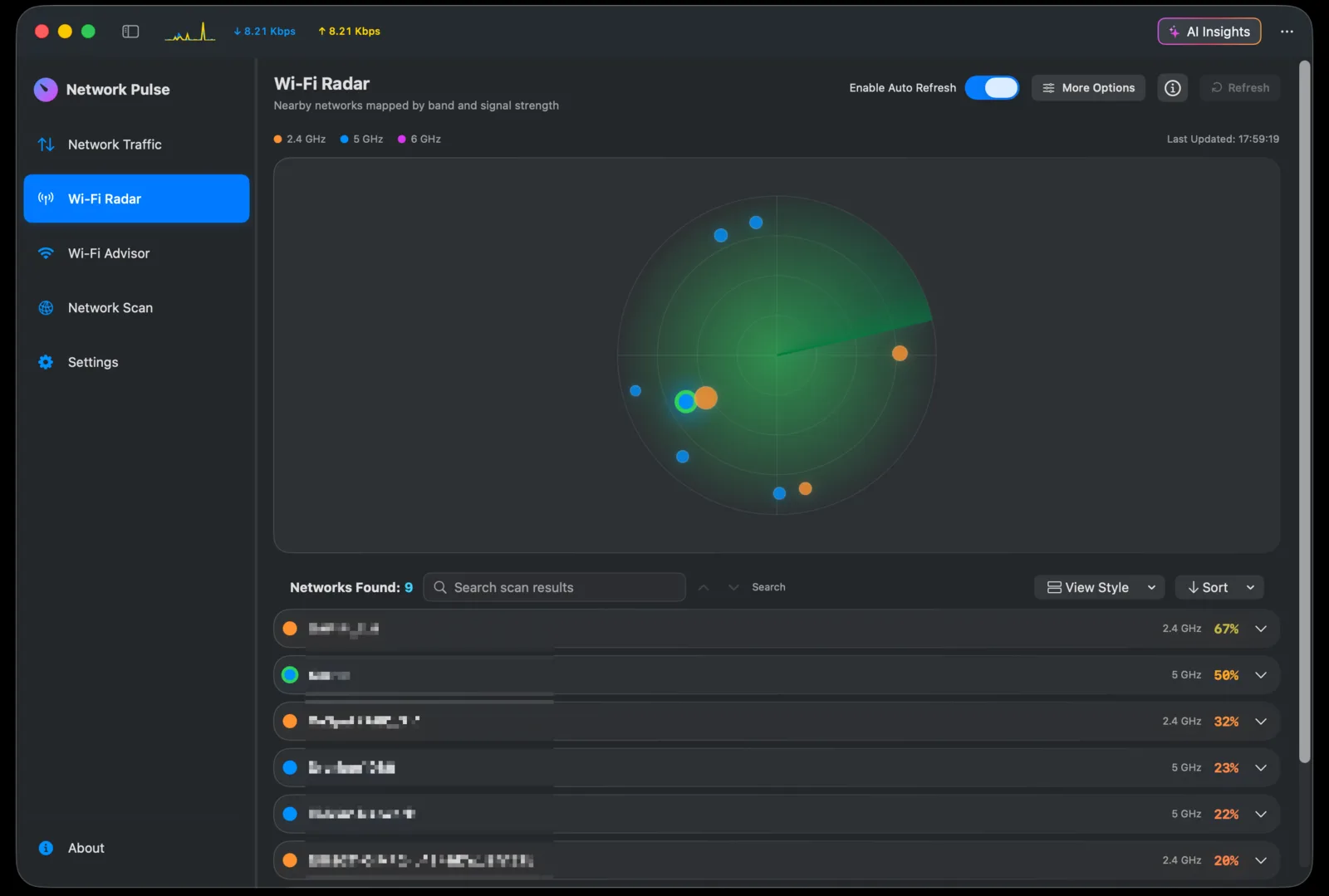
Wi-Fi Radar: live visual sweep with signal, channel, congestion, and vendor insights
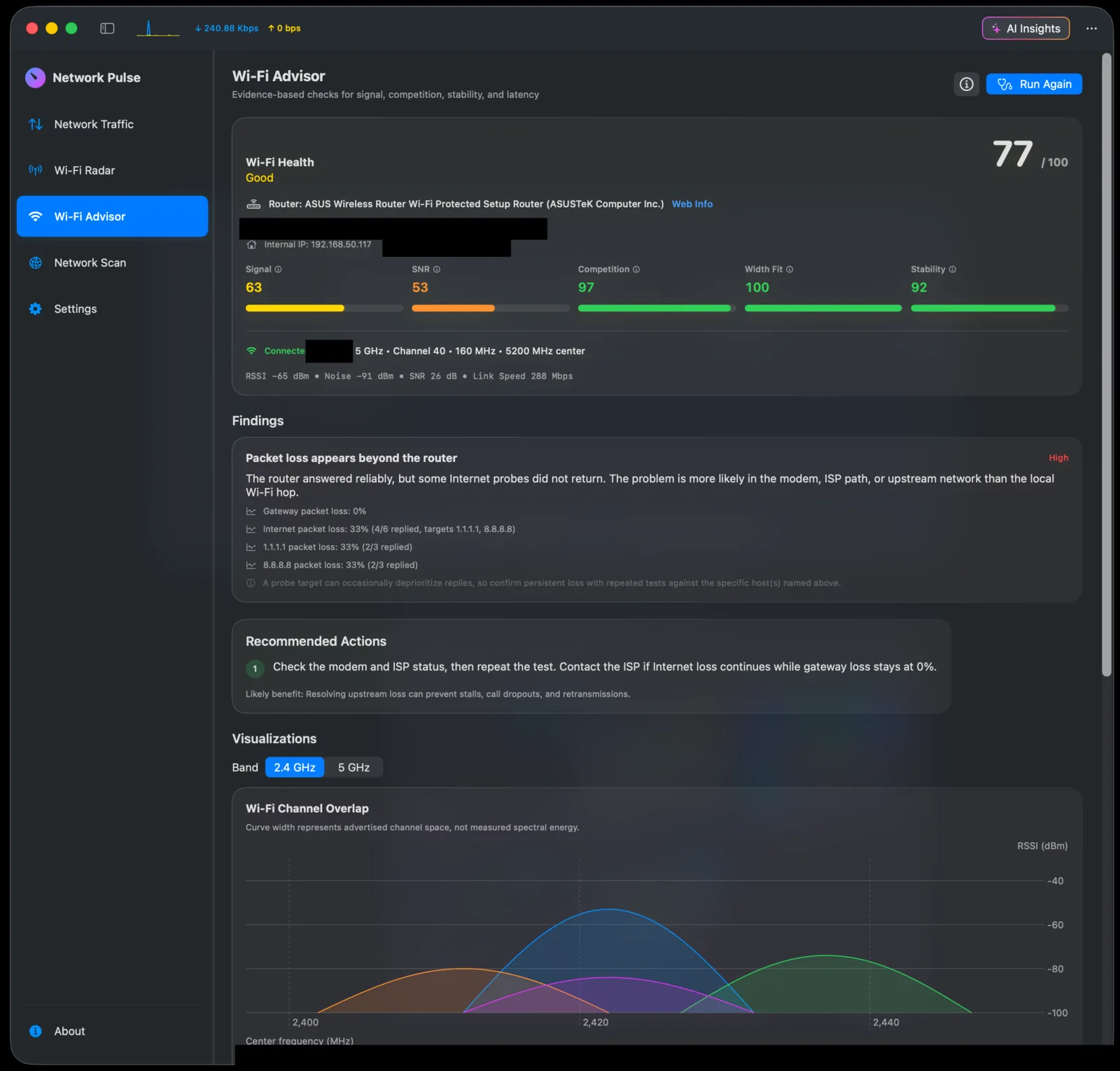
Wi-Fi Advisor: connection health score, visual evidence, and practical recommendations
Geo Scan Mode: pairs with the Network Pulse for iPhone app for live GPS context and movement-aware Wi-Fi Radar scanning
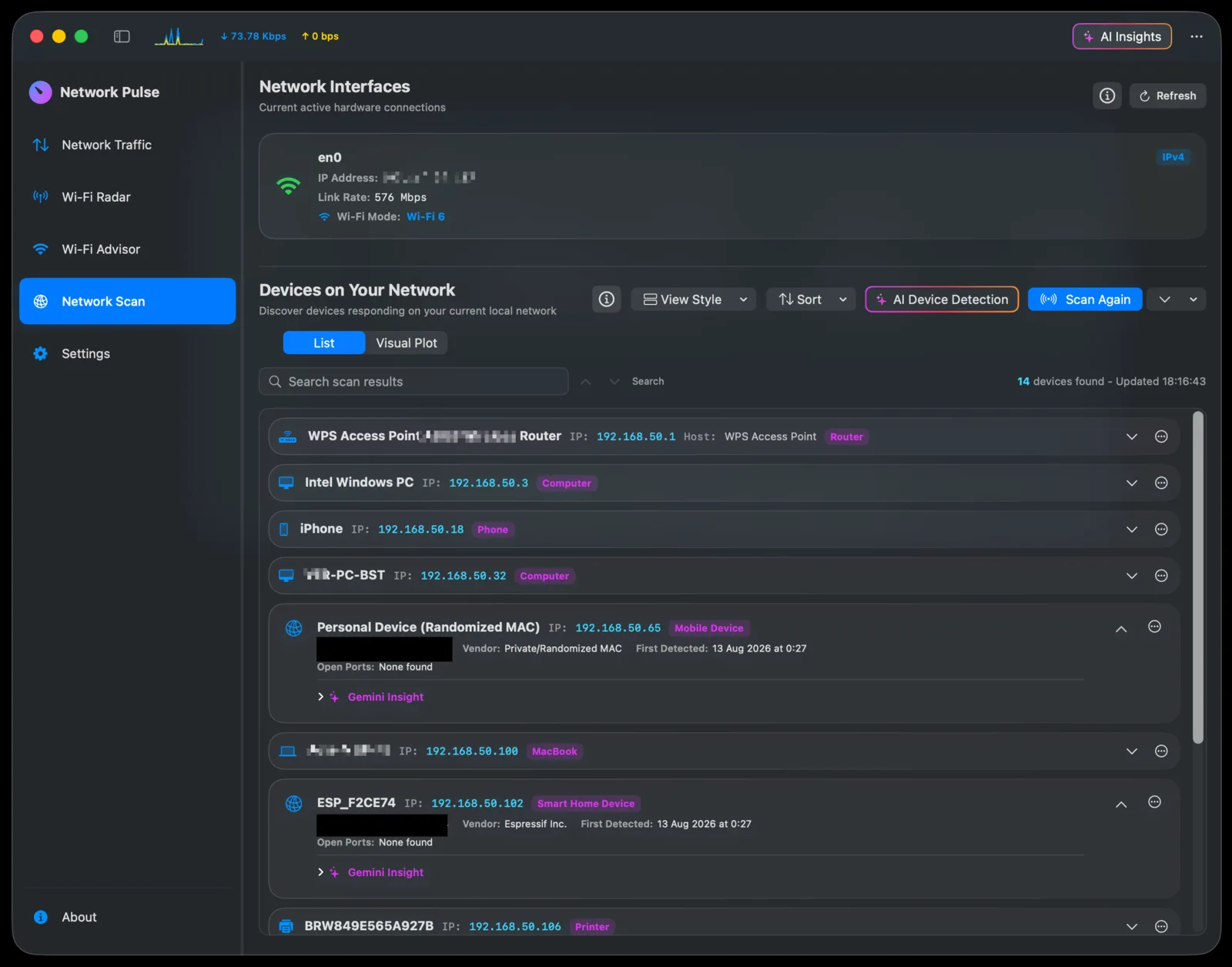
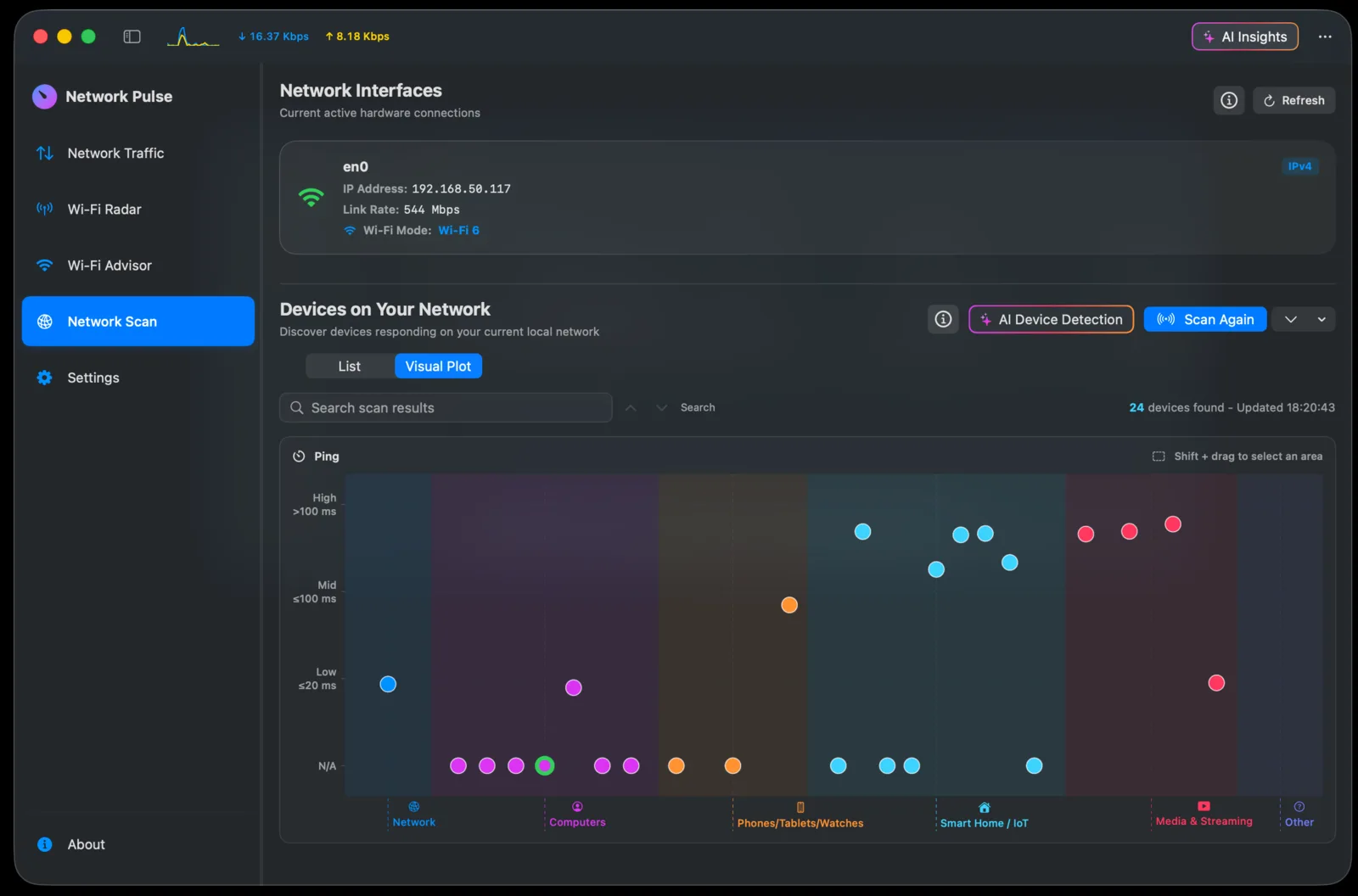
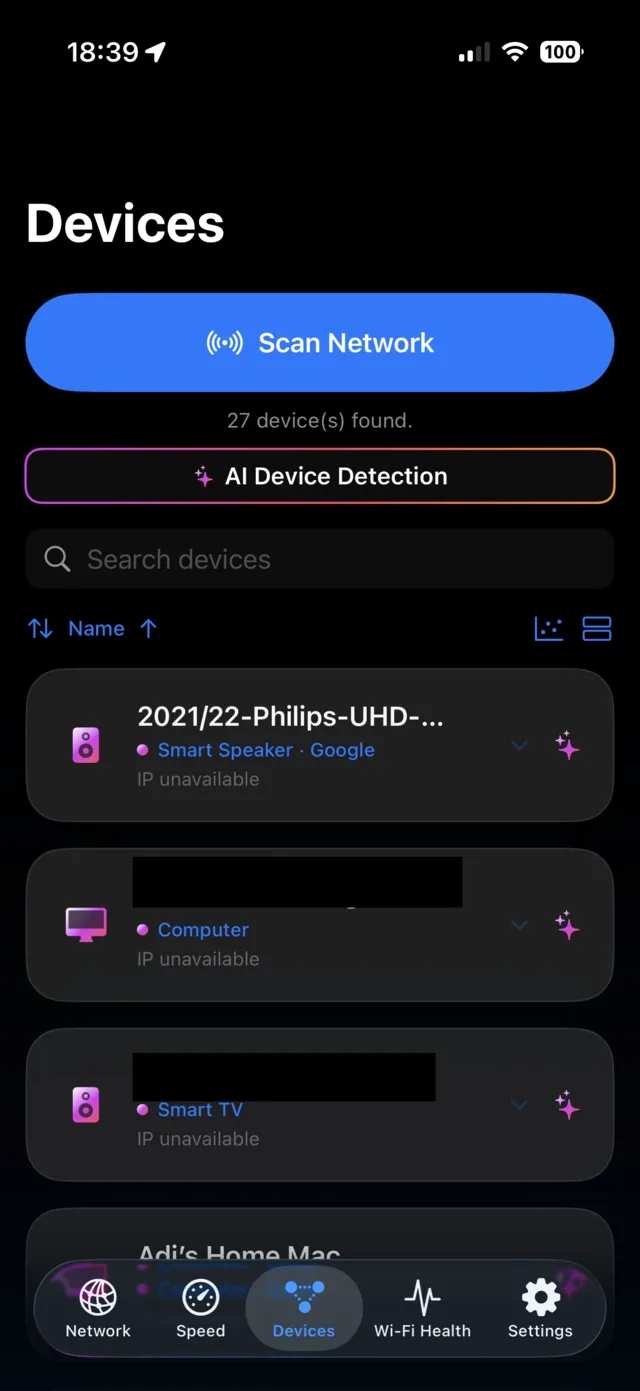
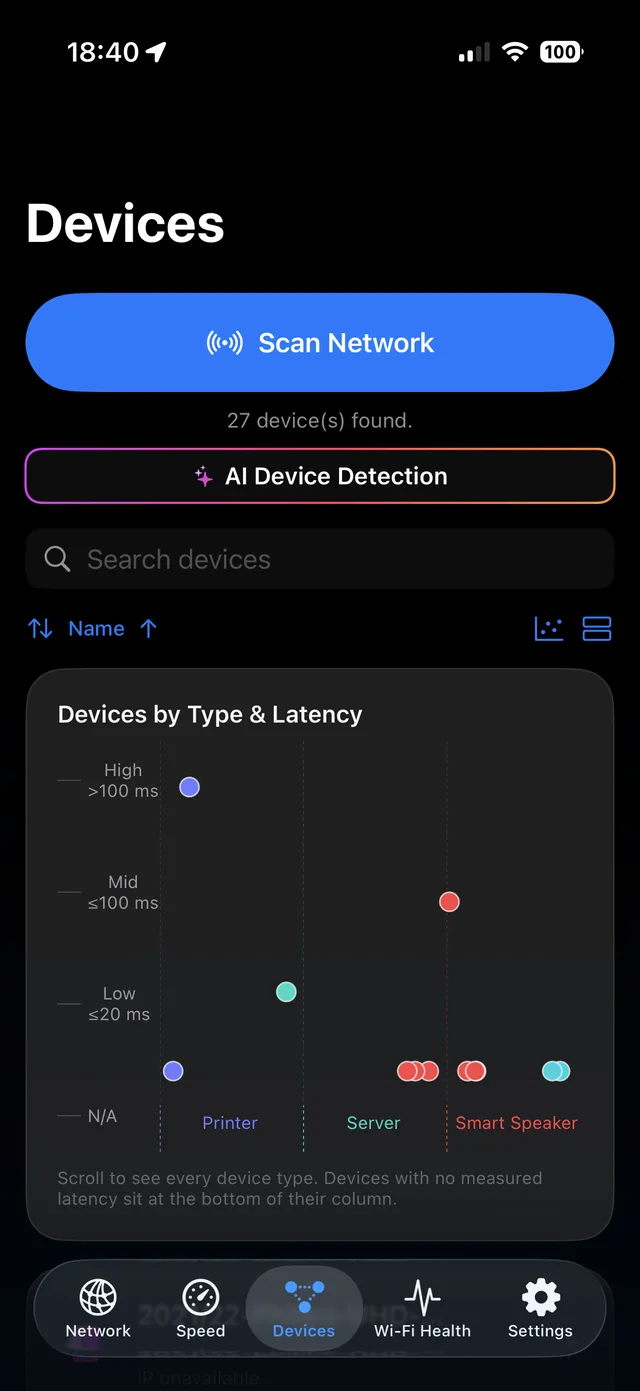
Local network device discovery, list or interactive Visual Plot, with optional AI device recognition (Apple On-Device, OpenAI, Gemini, Grok)
AI Insights chat that answers questions using your current connection, Wi-Fi, device, and speed-test context
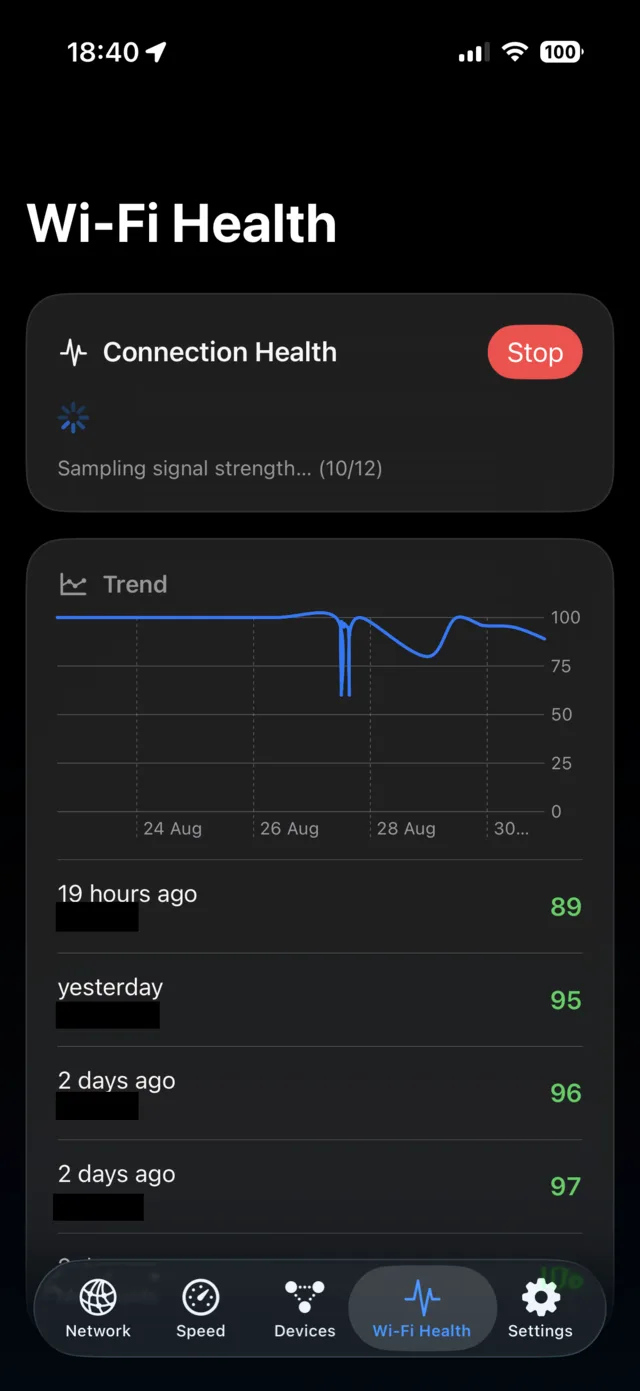
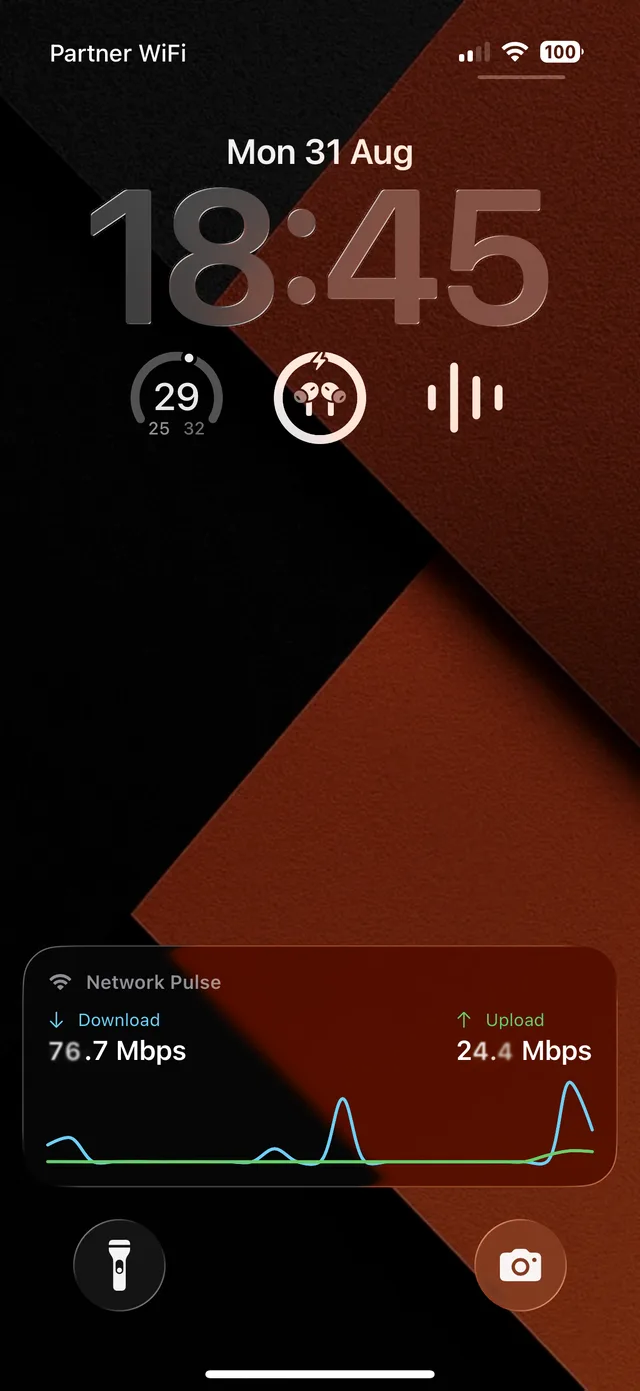
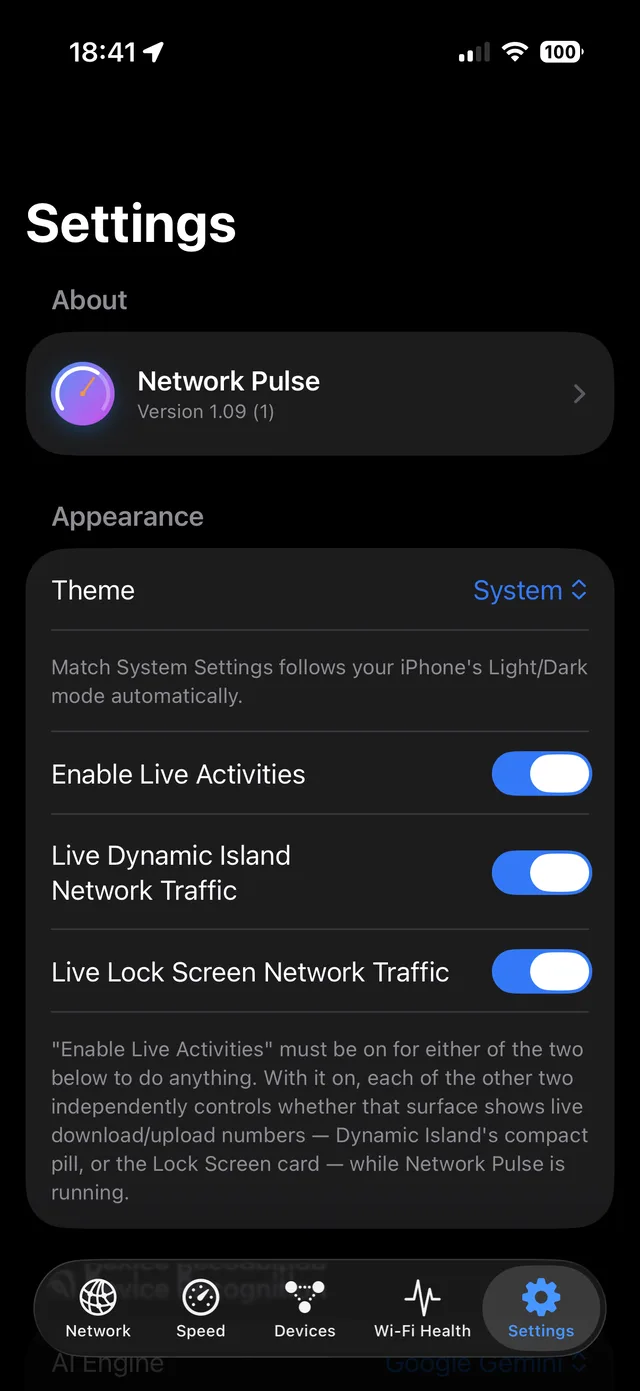
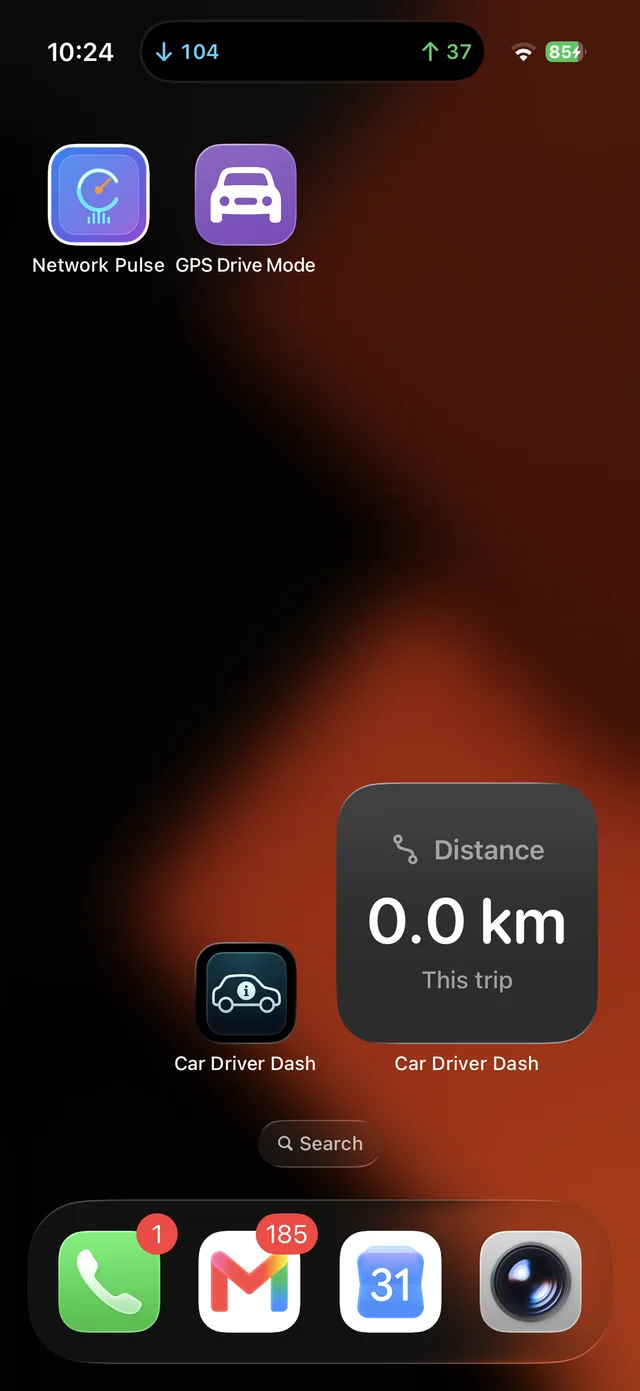
Companion iOS app with Wi-Fi Health trend scoring and a live Dynamic Island / Lock Screen throughput widget
See it in action
Less imagining. More exploring.
Select a screenshot for a closer look.
macOS
View 3 more screenshotsShow fewer screenshots
iOS
View 4 more screenshotsShow fewer screenshots
Your next step
Try Network Pulse.
A native macOS network monitor, speed tester, and Wi-Fi analyzer.
Its Windows predecessor is still maintained, explore it in the app collection.Wi-Fi and Network Monitor for Windows ↗
 Wi-Fi and Network Monitor for Windows
 MaXplorer
 DriveWing
 Kineto